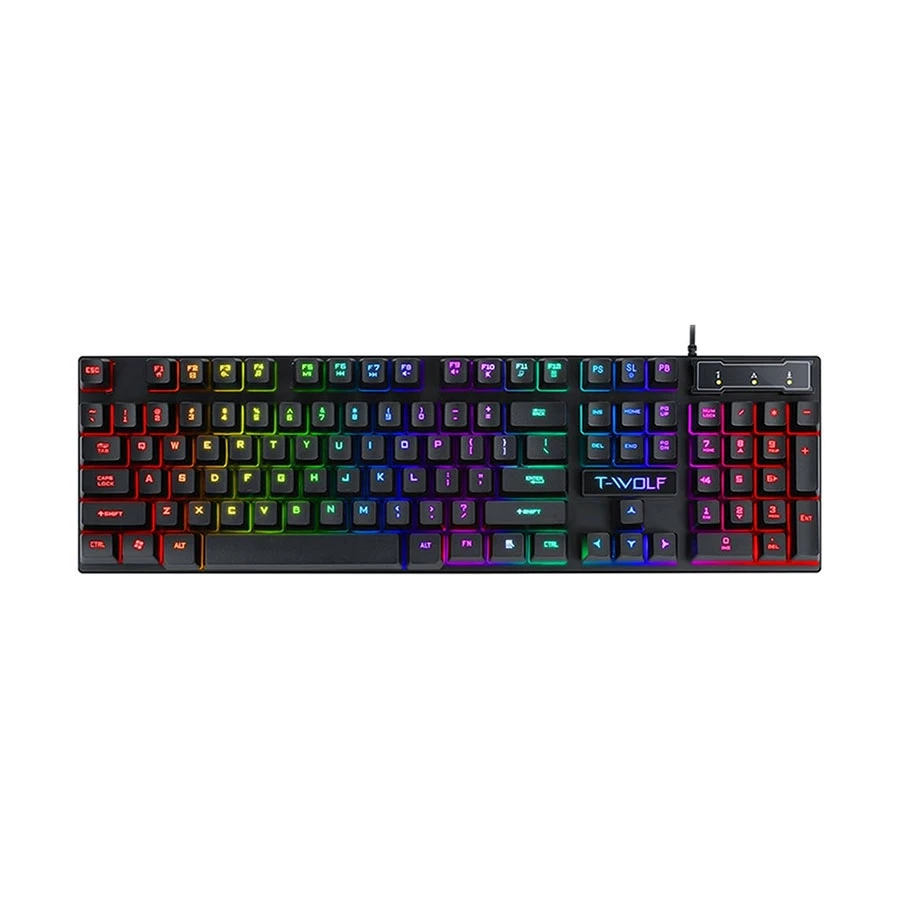
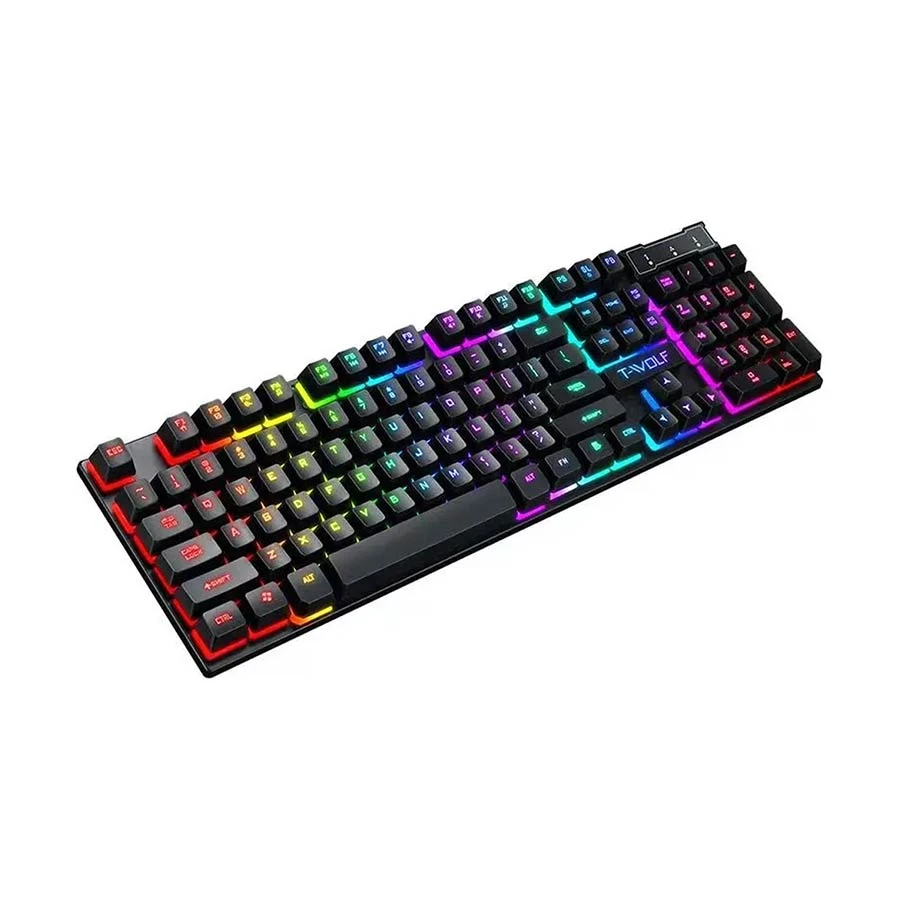
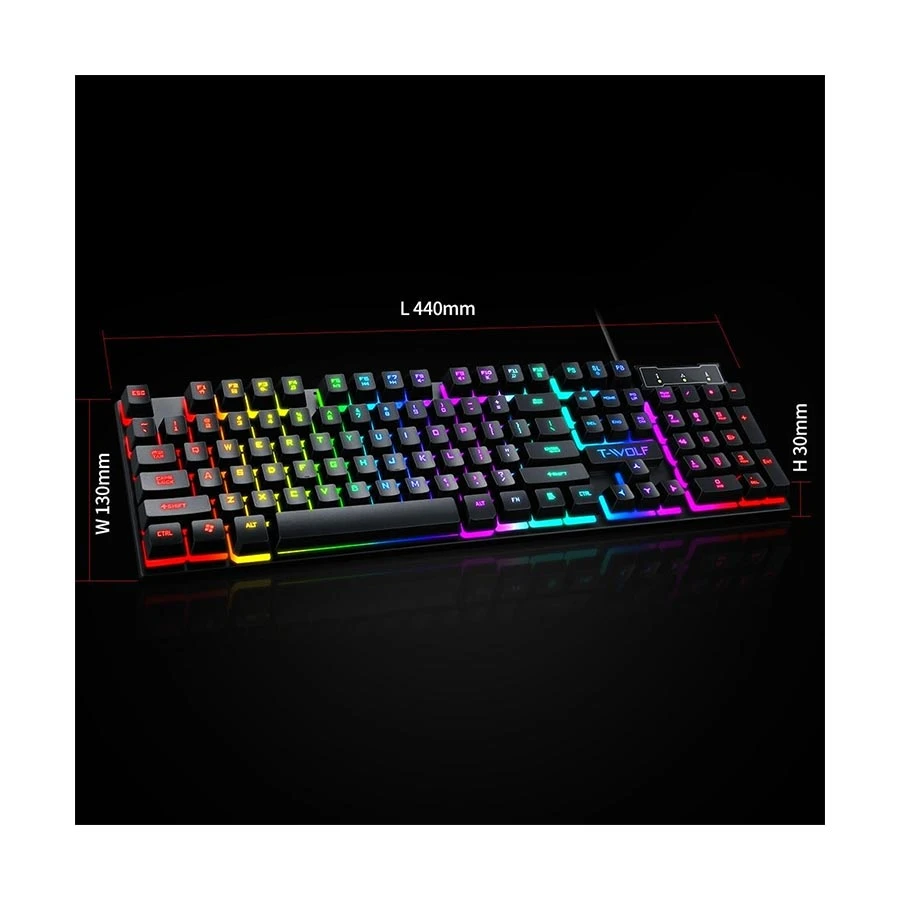
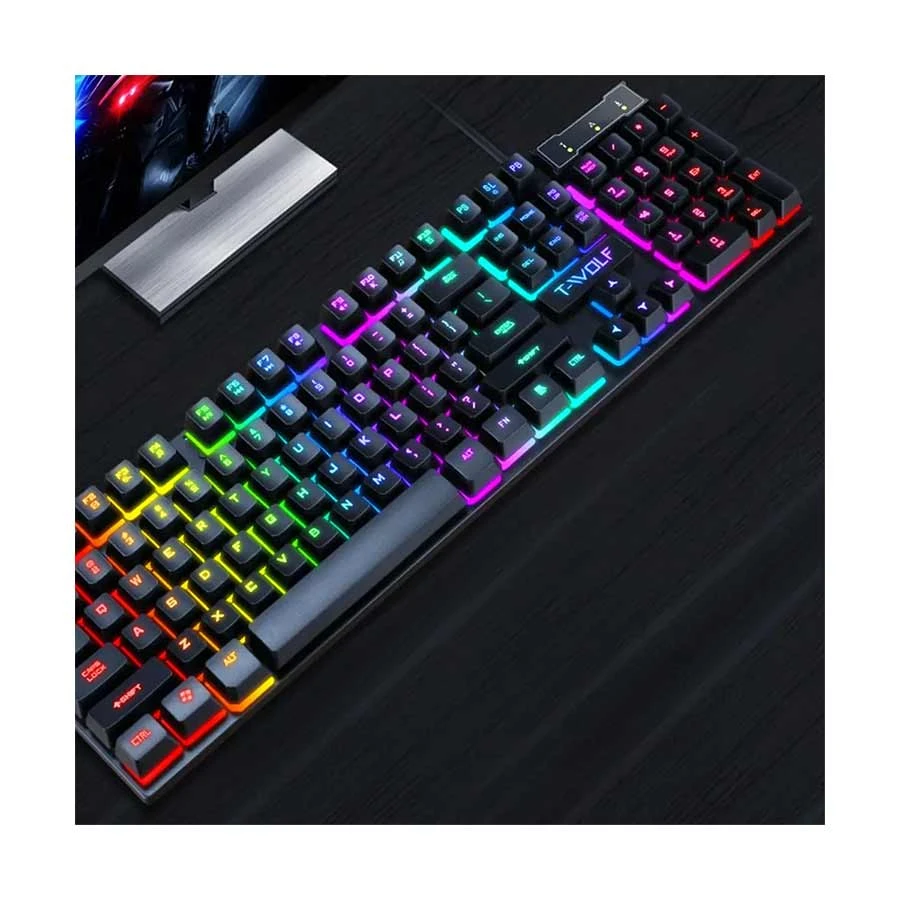
N.B. Image may differ with actual product's layout, color, size & dimension. No claim will be accepted for image mismatch. Product data used in this website is based solely on its manufacturer provided information, authenticity and accuracy are their responsibility only.
N.B. Specification may differ
with actual product. In that case, Ryans will execute full refund within 5 days.
Details
QUESTION & ANSWER
Customer Questions
Q:
keyboard ta ki ekhon available?
Asked By shuvo
A:
প্রিয় গ্রাহক , প্রোডাক্টটি অ্যাভেইলেবল রয়েছে । পারচেজ করতে চাইলে হেল্পলাইন নাম্বারে যোগাযোগ করতে পারেন , 16 810 , 09609016810 ধন্যবাদ
Answered By Ryans Computers Ltd.
, 29 Oct 2025
Q:
Keyboard ta ki backlit included? Kindly janaben amr ashole rater bela kaj kora lage so backlight proyojon or eitai na thakle kuntai ase janaben kindly budget 1500
Asked By Niaz
A:
প্রিয় গ্রাহক, কিবোর্ডে backlit বা RGB আলো দেওয়া আছে।প্রোডাক্ট এর সম্পর্কে বিস্তারিত তথ্য জানতে অথবা আমাদের সাথে যোগাযোগ করতে আমাদের হটলাইন নাম্বার:16 810, 09609016810 এবং হোয়াটসঅ্যাপ নাম্বারে:01755513900 (Message only) যোগাযোগ করতে পারেন। ধন্যবাদ।
Answered By Ryans Computers Ltd.
, 18 Oct 2025
Q:
T Wolf T20 এই keyboard টা কখন আসবে
Asked By
A:
প্রিয় গ্রাহক, প্রোডাক্টটি কবে স্টকে আসবে এ সম্পর্কে কোনো সুনির্দিষ্ট তথ্য দেওয়া সম্ভব নয় প্রোডাক্টটি আমাদের স্টকে আসলে ওয়েবসাইটে আপডেট করে দেওয়া হবে। ধন্যবাদ ।
Answered By Ryans Computers Ltd.
, 21 Aug 2025
Q:
When will the product arrive?
Asked By
A:
Dear Customer, We do not have any specific information about when the product will be in stock, once the product is in stock, it will be updated on our website with the price range. Thank you.
Answered By Ryans Computers Ltd.
, 20 Aug 2025
Q:
When will this keyboard arrive?
Asked By
A:
Dear Customer , We do not have specific information on when the product will be in stock, but once the product is in stock, it will be updated on our website with the price range. Thank you
Answered By Ryans Computers Ltd.
, 20 Aug 2025
Q:
আমার মনে হচ্ছে আপনাদের কোথাও ভুল হচ্ছে। কারণ কোনো কীবোর্ড এরই সব সময় লাইট জ্বলে থাকার কথা না। জীবনে প্রথম শুনলাম এটা। আর আমি ইউটিউব এও আমি এই কিবোর্ড এর ভিডিও দেখেই কিনেছি। তো কোথাও দেখি নাই যে জ্বলে থাকে এটা।
Asked By Zihad
A:
প্রিয় গ্রাহক , দুঃখিত ভুল তথ্য দেওয়ার জন্য নিম্মে দেওয়া নিয়মাবলী অনুযায়ী আরজিবি লাইট নিয়ন্ত্রণ করা যাবে। To control the RGB lighting on the T-Wolf T20 RGB keyboard, you will typically use a combination of the Scroll Lock key and Fn key in conjunction with the arrow keys or number keys on the keyboard. Here's a breakdown of how to control the lighting: 1. Turning the lights on/off: Press the Scroll Lock key to toggle the RGB lighting on or off. 2. Changing lighting modes: Fn + Right Arrow: This will cycle through different RGB lighting modes, such as static colors, wave effects, or other pre-programmed modes. Fn + Left Arrow: This will cycle through the RGB modes in reverse order. 3. Adjusting brightness: Fn + Up Arrow: Increases the brightness of the RGB lighting. Fn + Down Arrow: Decreases the brightness of the RGB lighting. 4. Selecting a specific color: Fn + Number Keys (1-9, 0): These keys may be used to select different pre-defined colors or color palettes. Note: The specific combination of keys and the available lighting modes may vary slightly depending on the keyboard's specific features and software, if any. You may also need to refer to the keyboard's user manual for more detailed instructions, if available. ধন্যবাদ
Answered By Ryans Computers Ltd.
, 02 Jun 2025
Q:
এটার লাইট কি সব সময় ই জ্বলে থাকে? নাকি scroll lock press করার মাধ্যমে on off করতে হয়? আমি আজকে যেটা কিন আনলাম সেটায় সব সময় ই জ্বলে আছে। এমন টা তো হওয়ার কথা না।
Asked By Zihad
A:
প্রিয় গ্রাহক, To control the RGB lighting on the T-Wolf T20 RGB keyboard, you will typically use a combination of the Scroll Lock key and Fn key in conjunction with the arrow keys or number keys on the keyboard. Here's a breakdown of how to control the lighting: 1. Turning the lights on/off: Press the Scroll Lock key to toggle the RGB lighting on or off. 2. Changing lighting modes: Fn + Right Arrow: This will cycle through different RGB lighting modes, such as static colors, wave effects, or other pre-programmed modes. Fn + Left Arrow: This will cycle through the RGB modes in reverse order. 3. Adjusting brightness: Fn + Up Arrow: Increases the brightness of the RGB lighting. Fn + Down Arrow: Decreases the brightness of the RGB lighting. 4. Selecting a specific color: Fn + Number Keys (1-9, 0): These keys may be used to select different pre-defined colors or color palettes. Note: The specific combination of keys and the available lighting modes may vary slightly depending on the keyboard's specific features and software, if any. You may also need to refer to the keyboard's user manual for more detailed instructions, if available. ধন্যবাদ।
Answered By Ryans Computers Ltd.
, 02 Jun 2025
Q:
ওয়ান-হ্যান্ডেড গেমিং কীবোর্ড আছে
Asked By sujon
A:
প্রিয় গ্রাহক , দুঃখিত এই মুহূর্তে আমাদের স্টকে নেই। প্রোডাক্টটি কবে স্টকে আসবে এ সম্পর্কে কোনো সুনির্দিষ্ট তথ্য দেওয়া সম্ভব নয় প্রোডাক্টটি আমাদের স্টকে আসলে ওয়েবসাইটে আপডেট করে দেওয়া হবে। ধন্যবাদ
Answered By Ryans Computers Ltd.
, 30 May 2025
Your Question (Please don`t
use any links, &, (, ), /, +, $, # Symbols)
REVIEW
Customer Reviews
Great Gaming Keyboard
By Riyad Mahamud
. May, 2025
A true game-changer—responsive switches and zero input lag.
By Julekha Begum
. May, 2025
Authentic Product
By ARIFUL ISLAM
. May, 2025
it perfect for gamers for both performance and aesthetics.